
File Fetch
File Fetch
Fresh files and copied text, right from your menu bar.
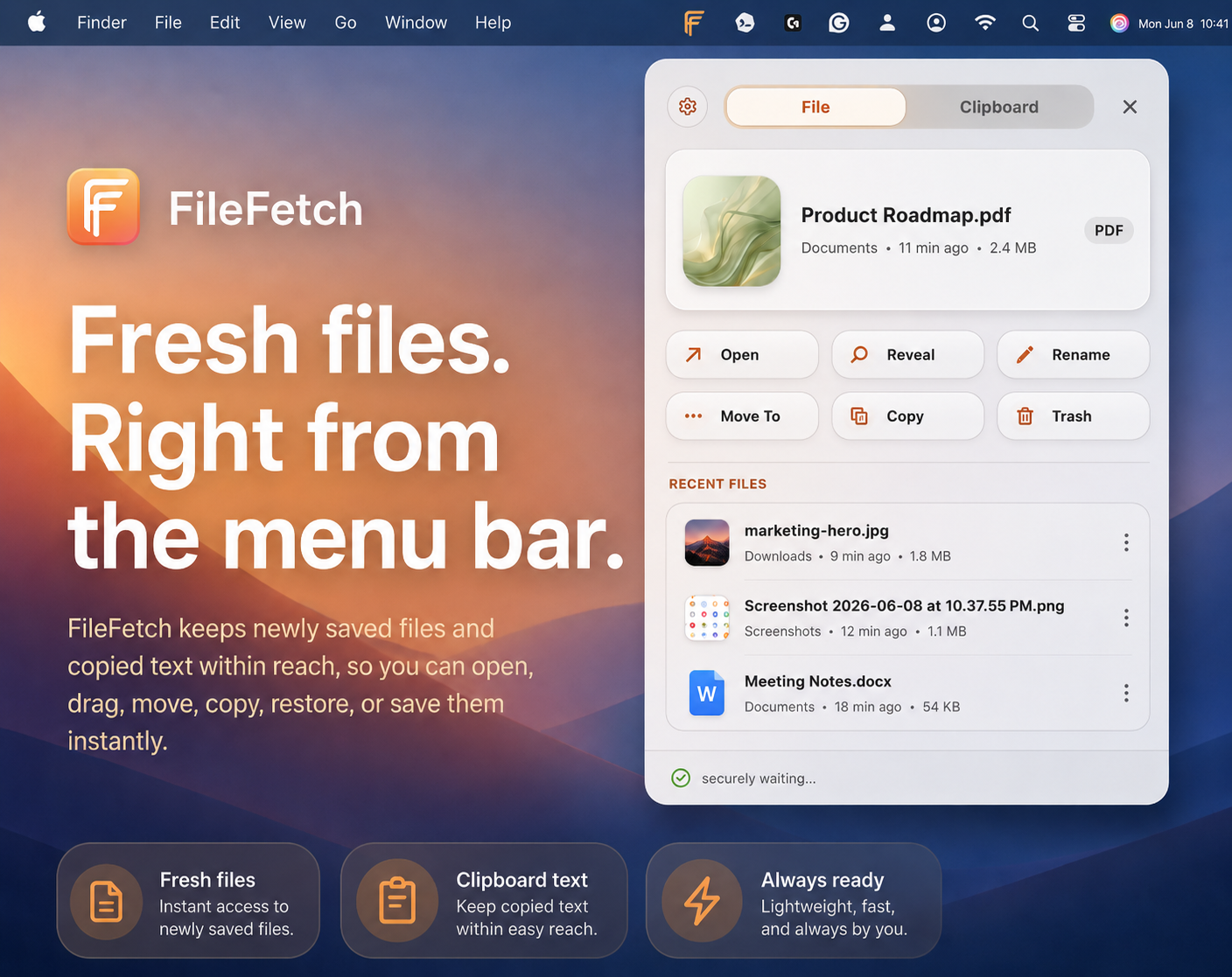
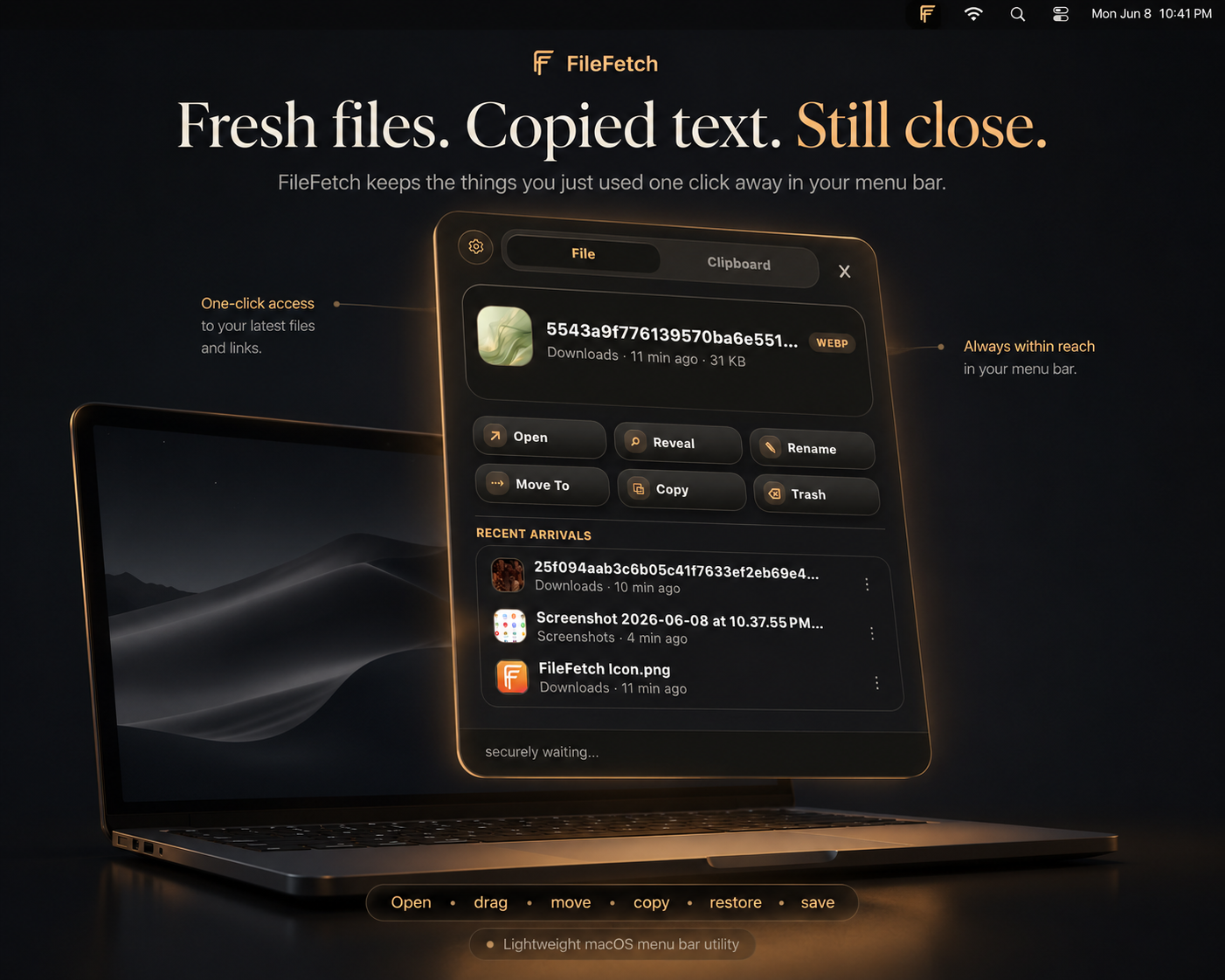
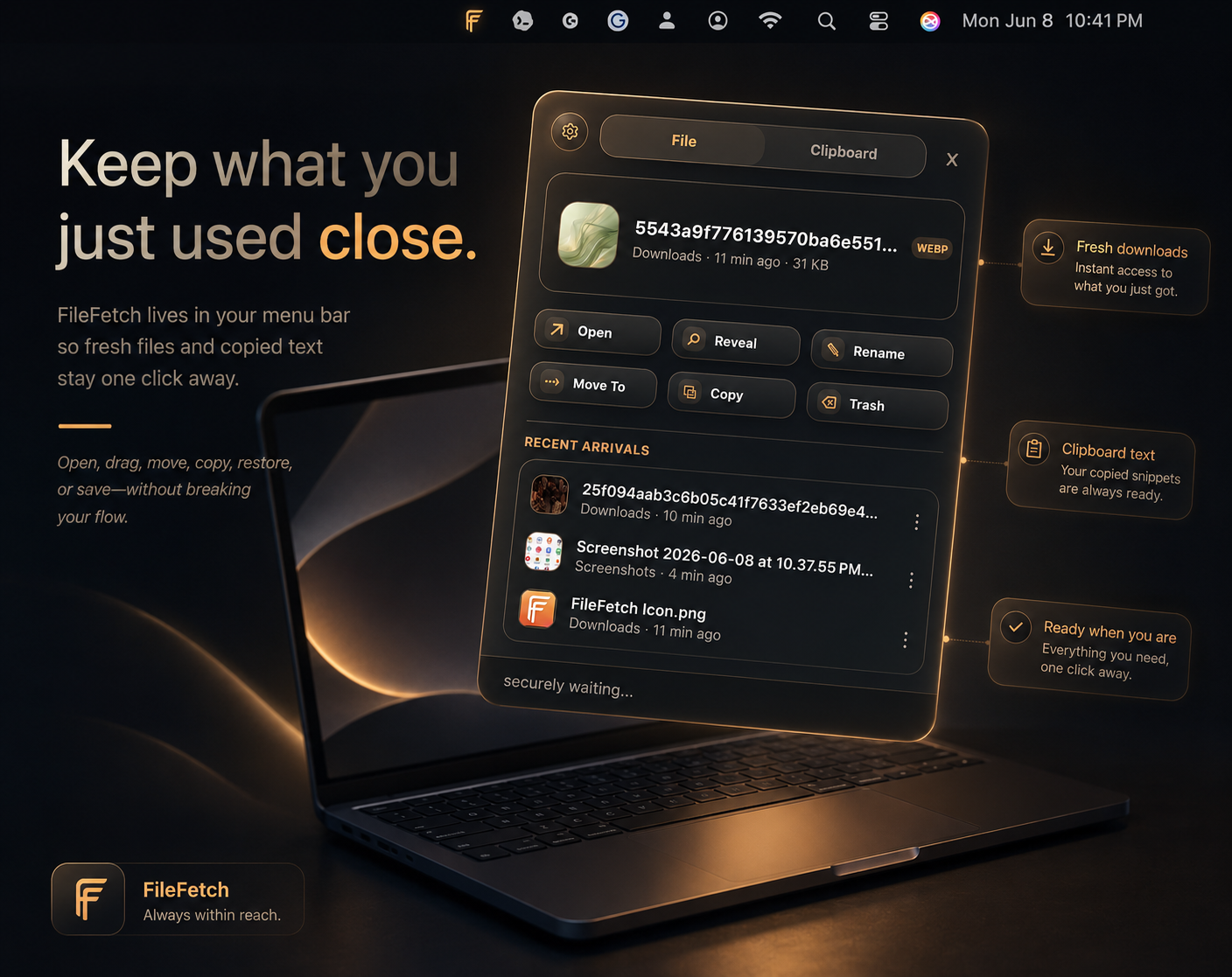
File Fetch is a lightweight macOS menu bar app for the things you just used and still need nearby.
It keeps recent files, screenshots, downloads, images, links, and copied text within easy reach, so you do not have to dig through Finder, Downloads, your Desktop, or your clipboard history while you work.
What it does
File Fetch gives you quick access to the temporary things that matter right now.
Use it for:
- A file you just downloaded
- A screenshot you need to send
- Text you copied and do not want to lose
- A document you need to reopen quickly
- An image, link, or file you only need for the next few minutes
Why you’ll like it
File Fetch helps you stay in your flow.
Instead of hunting through folders or losing copied text, you can open your menu bar and grab what you need fast.
It is not trying to replace Finder. It just keeps your freshest files and copied text one click away.
Features
- Lives in your macOS menu bar
- Tracks newly saved files
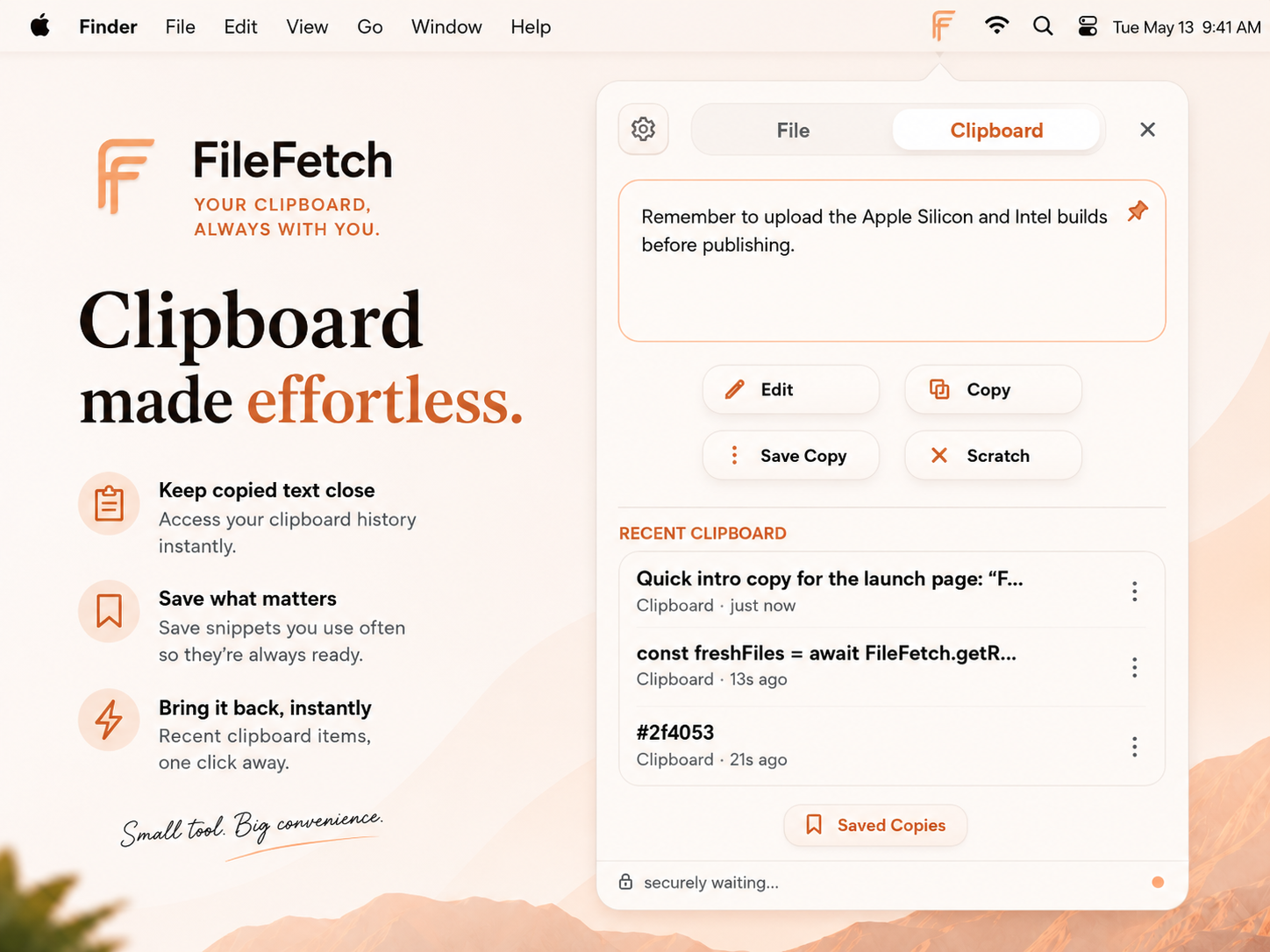
- Keeps recent copied text accessible
- Open, reveal, rename, move, copy, or trash files
- Save and reuse copied text
- Light and Dark Mode support
- Clean, compact interface
- Simple and easy to use
Good for
- Downloads
- Screenshots
- Quick file access
- Reusing copied text
- Keeping temporary work items nearby
- Staying organized while working
Early Release Note
This is the first version of File Fetch, and it will keep improving.
Feedback is welcome, especially if something could feel smoother or more useful in your workflow.
File Fetch is part of QuietWare, a collection of small Mac tools for calmer digital work.
Purchase
In order to download this tool you must purchase it at or above the minimum price of $1.99 USD. You will get access to the following files:
Development log
- File Fetch now has seamless in-app updates44 days ago
Leave a comment
Log in with itch.io to leave a comment.