Hourglass Timer
A downloadable tool for macOS
Hourglass Timer
A calm hourglass timer for focused creative sessions.
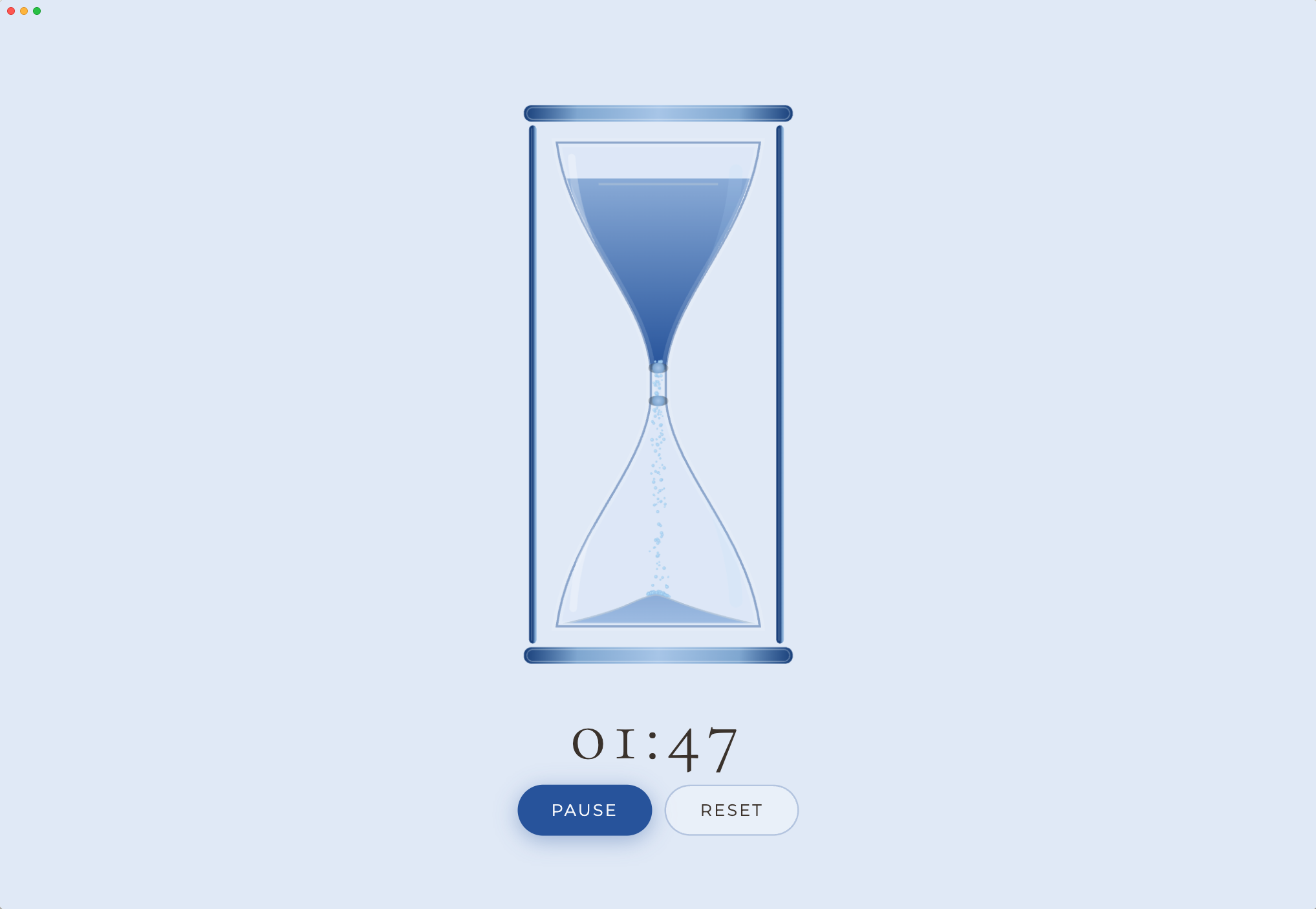
Hourglass Timer gives you a simple, visual way to track focus time on your Mac.
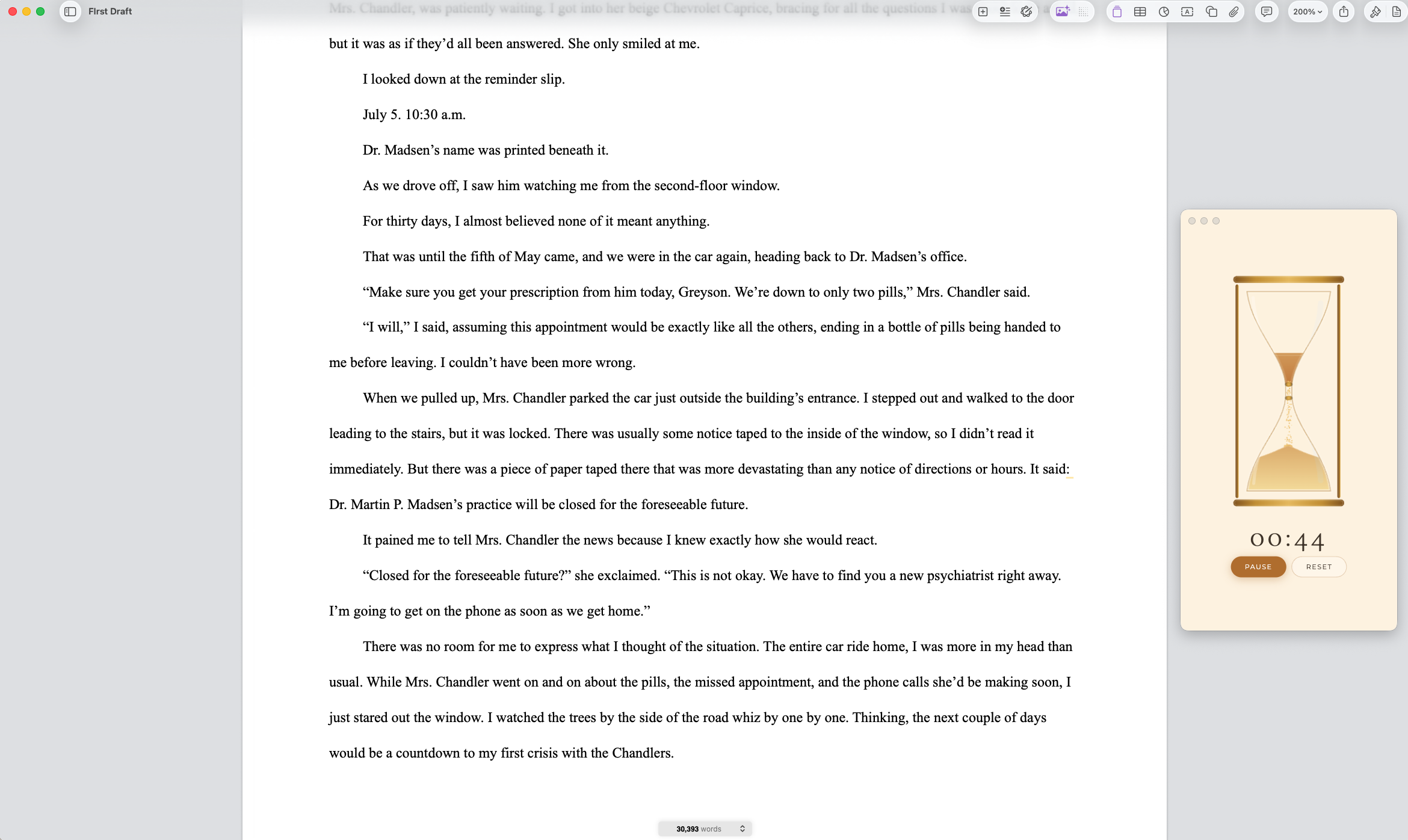
Choose a theme, set your timer, and let the hourglass stay with you while you write, study, create, code, journal, or settle into deep work.
What it does
Hourglass Timer turns a focus session into something quieter and more visual.
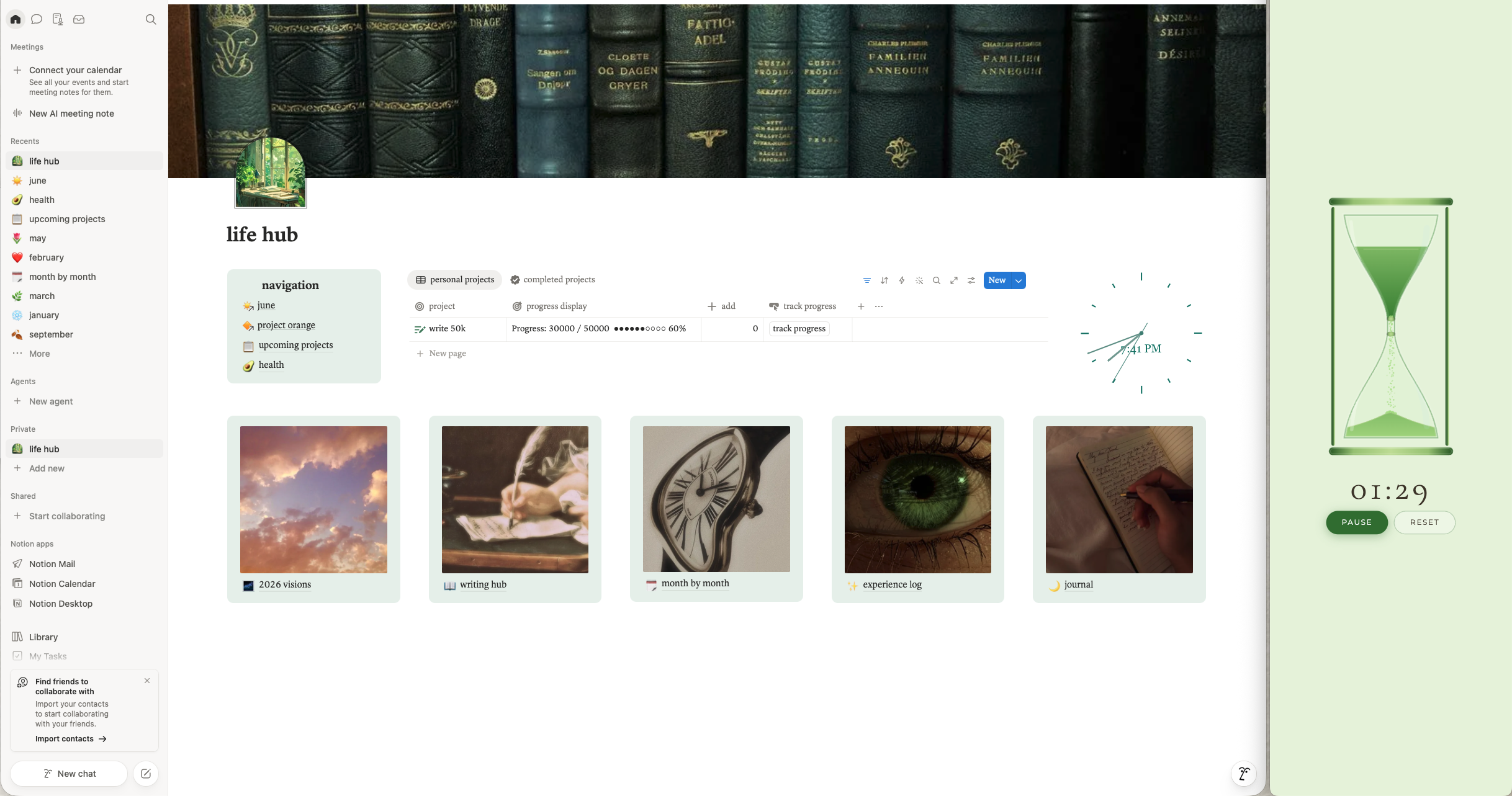
Instead of a loud countdown or cluttered productivity app, you get a clean hourglass that can sit on your screen while time passes.
Use it for:
- Writing sprints
- Study blocks
- Creative sessions
- Journaling
- Coding
- Reading
- Breaks
- Any task that needs a gentle timer
Why you’ll like it
Hourglass Timer is made to feel calm, simple, and out of the way.
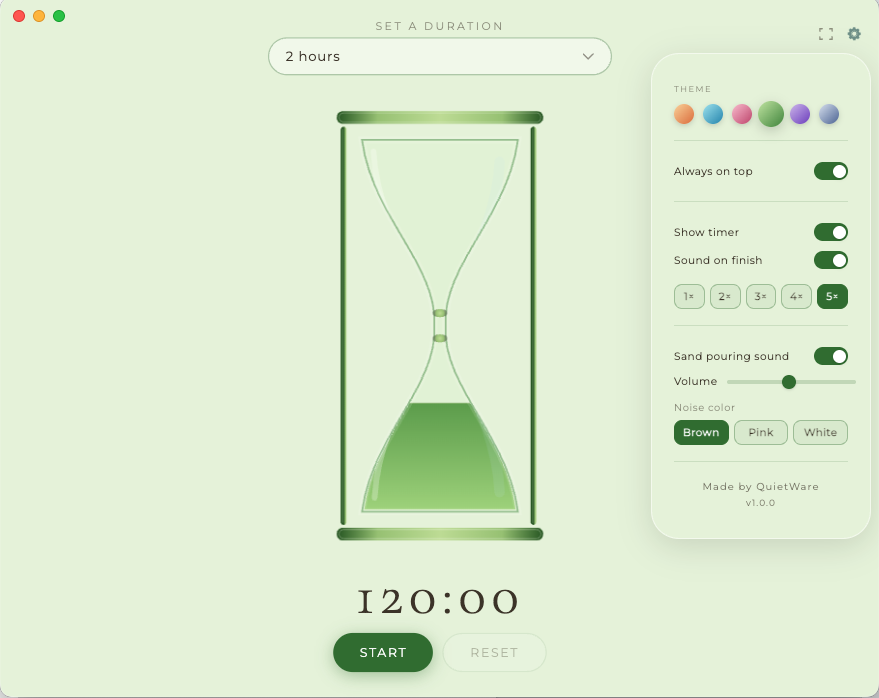
Keep it visible with always-on-top mode, hide the timer text for a cleaner look, or go fullscreen for a more immersive session.
It gives you a sense of time passing without making your workspace feel busy.
Features
- 6 calming hourglass themes
- Always-on-top mode
- Timer visibility toggle
- Completion sounds
- Optional sand pouring sounds
- Brown noise, pink noise, and white noise
- Fullscreen support
- Resizable window
- Simple macOS-style design
Sound options
Add soft background audio to your session with sand sounds or color noise.
Choose brown noise, pink noise, or white noise to help mask distractions and create a steadier focus environment.
Installation
Download the macOS DMG, open it, then drag Hourglass Timer into your Applications folder.
Price
Free to download with optional support.
If Hourglass Timer helps you focus, write, study, or create, support is always appreciated.
Hourglass Timer is part of QuietWare, a collection of small Mac tools for calmer digital work.
Download
Click download now to get access to the following files:
Development log
- Hourglass Timer now has seamless in-app updates34 days ago
- Hourglass Timer is now available for macOS48 days ago
Comments
Log in with itch.io to leave a comment.
Any chance of having a Windows version? 🥺
Unfortunately, I’m only building this collection of apps for macOS right now. I’d genuinely love to support Windows too, but building and maintaining another platform would take more time than I have at the moment.
If this ever becomes my full-time job, which would honestly be the dream, I’d love to devote the time and care needed to support all major operating systems properly. For now, I’m keeping the focus on making the macOS versions as polished and reliable as I can.